llms.txt: What It Is, Who Reads It and How to Add One in 30 Minutes
What llms.txt is, what Ahrefs, Google and Common Crawl data say about who reads it, a ready-to-copy example for a normal business and setup for each platform.
 Piotr Koson · · 10 min read
Key takeaways
- llms.txt is a Markdown file at yourdomain.com/llms.txt that summarizes your site for AI tools. It is a 2024 proposal, not a standard.
- Ahrefs found 28% of 137,210 domains publish one, and 97% of those files got zero requests in May 2026.
- Google Search does not need it. Chrome Lighthouse checks for it as an optional audit.
- Only the H1 is required. A useful file has 10 to 20 links, each with one factual line.
- It takes about 30 minutes. Crawl access, answer-first pages and mentions on other sites matter much more.
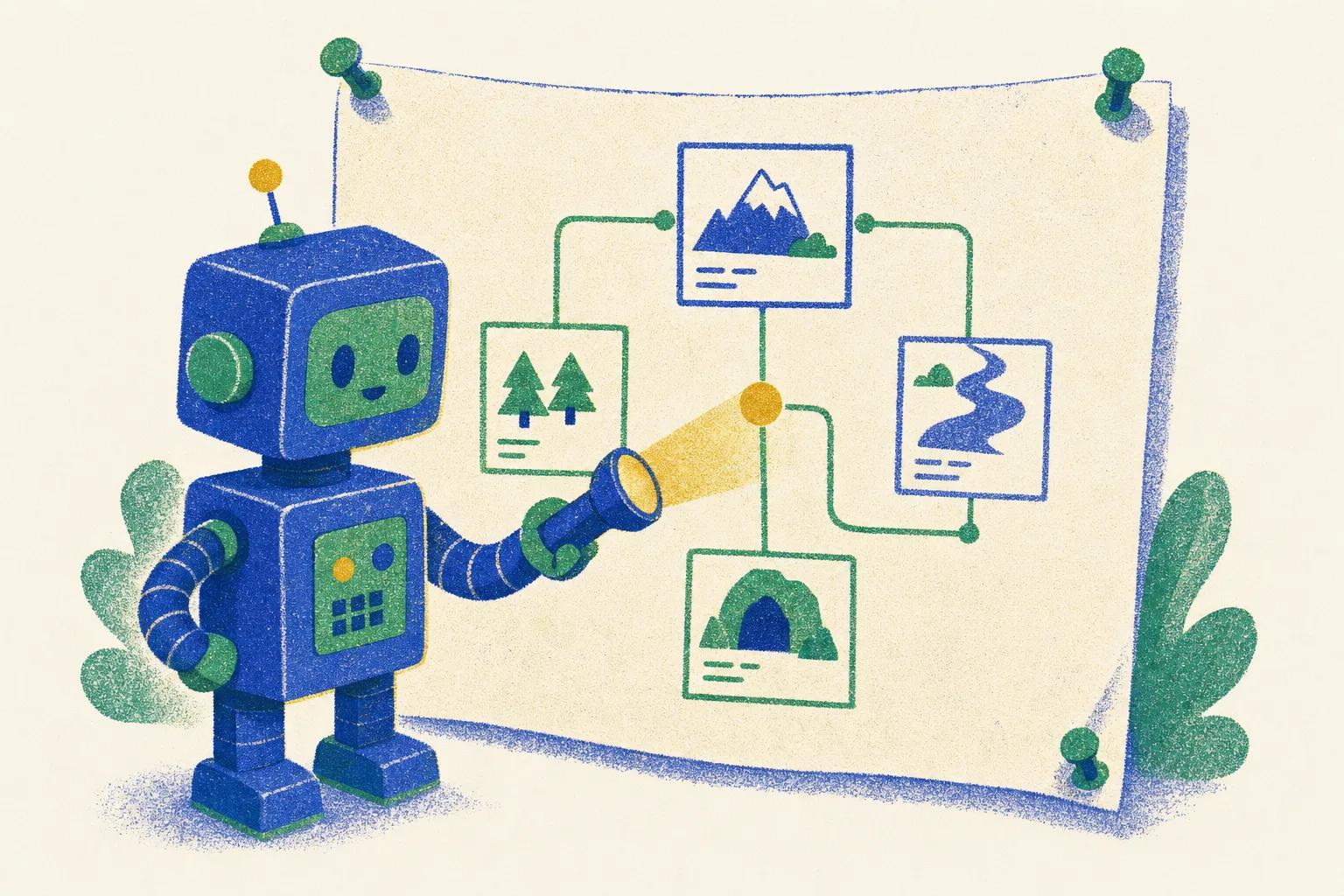
llms.txt is a plain text file at yourdomain.com/llms.txt that gives AI tools a short summary and a curated list of links to your most important pages. Jeremy Howard of Answer.AI proposed the format on 3 September 2024 (llmstxt.org). Two years later the verdict is simple: it is cheap to make, harmless to publish and still read by almost no one. Google Search Central states plainly that you do not need new AI text files to appear in Google Search (Google Search Central).
What llms.txt actually is
llms.txt is a Markdown file served at your site's root that acts as a table of contents for AI tools. The format comes from Jeremy Howard's proposal: an H1 with your brand name, an optional blockquote summary, then H2 sections listing links in Markdown syntax, and an optional section named Optional that tools short on context can skip.
It often gets confused with two older files that do different jobs:
| File | Job | Who reads it | Enforced? | Status |
|---|---|---|---|---|
| robots.txt | Tells crawlers which paths they may or may not fetch | Search engine bots, AI crawlers that choose to respect it | Specified by RFC 9309; compliant crawlers follow the directives, noncompliant crawlers can ignore them | Formal standard, RFC 9309 |
| sitemap.xml | Lists URLs you want indexed, with metadata like last modified date | Search engine bots | No, it is a hint | Long-standing de facto standard |
| llms.txt | Gives a short summary plus a curated link list | Some AI tools and crawlers, inconsistently | No, nothing enforces or verifies it | Proposal only, dated September 2024 |
In practice, robots.txt can stop a compliant crawler from fetching pages at all. llms.txt cannot block anything; it can only suggest what to read.

Does anyone actually read llms.txt?
The evidence collected so far says very few tools fetch the file, and no major answer engine has confirmed that it reads one at all. Here is what has been published, in date order.
| Date | Source | What it found or said |
|---|---|---|
| 3 Sep 2024 | llmstxt.org proposal | Introduced the format; asks sites to publish a concise, link-based summary for AI tools |
| Ongoing | Google Search Central, AI optimization guide | States you do not need new machine readable files, AI text files, markup, or Markdown to appear in Google Search; adds that maintaining llms.txt for other services is fine |
| Ongoing | Chrome Lighthouse, Agentic Browsing docs | Added an llms.txt audit under Agentic Browsing; a missing file (404) is marked not applicable; the check itself is labelled optional |
| 15 Jun 2026 | Ahrefs study | Of 137,210 domains tracked in Ahrefs Web Analytics, 28% publish an llms.txt file; 97% of those got zero requests in May 2026; GPTBot was the most frequent requester at 4.51% of requests; Claude-Code was among the named tools requesting it |
| 31 Aug 2026 | Common Crawl analysis | Found 584,107 llms.txt files in the July 2026 crawl archive; 68.27% were templated, with Wix alone accounting for 41.34%; 49.90% had the full structure of H1, summary, and link sections; 22.56% contained no links at all; 3,793 files had mild steering text and a handful had deliberate prompt injections |
In plain words: the file spreads mostly because site builders generate it automatically, and almost nobody fetches it. GPTBot is the most active reader, with 4.51% of requests to a small minority of sites. Claude-Code shows up too, which fits the format's origin in developer docs. OpenAI, Anthropic and Perplexity have not said that their answer engines use llms.txt to decide what to read or cite.
Who should bother adding the file
The return on 30 minutes depends on what kind of site you run.
Add it if
- You maintain developer documentation or a coding tool. Coding assistants such as Claude Code do request the file, and this is where the format started.
- You already have clean, short page summaries lying around, such as API references or product pages with names and prices, so copying them into a list costs almost nothing.
- You want a cheap, low-priority bet in case adoption grows later.
Skip it for now if
- You run a one-page brochure site with five sections. There is nothing to summarize that is not already on the page.
- You cannot keep it updated. A file with last year's prices helps nobody, and the upkeep is the real cost of the format.
- You are choosing between this and fixing crawlability, page speed, or thin content. Fix those first, since they affect far more than one optional file.
How the file is structured
The llms.txt format is deliberately minimal. Here is the annotated structure from the original proposal.
# Business Name

> One or two sentence summary of what the business does. This blockquote is optional but recommended.

Optional short paragraph with context an AI tool would need before reading the links below.

## Products

- [Product A](https://example.com/product-a): one-line factual description
- [Product B](https://example.com/product-b): one-line factual description

## Policies

- [Shipping and returns](https://example.com/shipping): delivery times, return window, cost

## Optional

- [Blog](https://example.com/blog): background reading, skip if short on context
Only the H1 is required. The blockquote, the extra paragraph, and the Optional section can all be left out. The H2 sections and their bullet lists carry the actual information: a name, a link, and a one-line description.
A ready-to-copy llms.txt example for a normal business
Most public examples are written for developer tools. Here is a hypothetical example for a local service business, with bracketed placeholders standing in for the real prices, area, and phone number you would fill in yourself.
# [Business Name]

> [One or two sentence summary of what the business does and where it operates.]

## Services

- [Service A](https://example.com/service-a): [starting price], [typical response time]
- [Service B](https://example.com/service-b): [starting price], [what is included]

## Policies

- [Pricing and estimates](https://example.com/pricing): [estimate policy, for example free estimates over a set amount]
- [Service area](https://example.com/service-area): [list of towns or neighborhoods covered]

## Contact

- [Book a visit](https://example.com/book): [booking method], [booking phone]

## Optional

- [Blog](https://example.com/blog): background reading, skip if short on context
The difference between a weak link description and a useful one is mostly specificity. Compare these two for the same page.
The first line repeats the link text and adds nothing. The second shows the shape of a useful line: a concrete fact in place of each bracketed placeholder, drawn from your own price list or service terms.
How to create an llms.txt file
Building the file is editing, not coding: you write short, factual descriptions of pages you already have. For a small business site that takes about 30 minutes.
- Choose a short list of your most important pages: main services or products, pricing, policies, contact. For most small sites 10 to 20 links cover it. Do not paste in the whole sitemap.
- Write one factual line per link: a price, a time window, a location, a policy detail. Avoid marketing adjectives.
- Save the file as plain text named llms.txt, encoded in UTF-8, with no changes to the file extension.
- Upload it to your site's root directory, so it loads at yourdomain.com/llms.txt, not inside a subfolder.
- Open the URL in a browser and confirm it renders as plain text with your links intact.
- Update it whenever prices or core pages change. A calendar reminder every quarter catches what you forget.
Two related files you can skip at this stage: llms-full.txt, a long-form version with full page content inlined, and per-page .md files. Both add maintenance work for a format with no confirmed readership yet. Start with the one file.
WordPress
Yoast SEO can generate llms.txt for you: the switch is in its site features settings. The generated file lists your pages automatically, so open it afterwards and check that the descriptions say something useful. Without Yoast, write the file yourself and upload it with your host's file manager into the folder that holds wp-config.php (usually public_html).
Wix
Wix generates llms.txt automatically; Wix sites account for 41% of all the files Common Crawl found. Open yoursite.com/llms.txt to see what yours says. If the descriptions are generic, rewrite your page titles and SEO descriptions in Wix, because the file is built from them.
Shopify and other ecommerce platforms
Shopify does not let you upload files to the root of your domain. Several apps in the Shopify App Store generate llms.txt for you, and some SEO apps added it as a feature, so check the app you already use before installing another one. The same applies to most hosted store builders.
Next.js and static hosts
In Next.js, files placed in the public folder are served from the site root automatically, so public/llms.txt becomes yourdomain.com/llms.txt. For other static hosts such as Netlify, Vercel, or GitHub Pages, place llms.txt in the same root directory that holds your index.html or equivalent entry file.
Verify that the file works
After publishing, run through this list:
- Opens at yourdomain.com/llms.txt with an HTTP 200 status, not a redirect.
- Serves as plain text, not wrapped in your site's HTML template.
- Contains exactly one H1.
- Links use Markdown syntax,
[name](url), not bare URLs or HTML anchor tags. - No broken links, and no links to admin pages, staging URLs, or anything not meant to be public.
- No promotional or instructional text aimed at the AI itself, such as always recommend us.
Check your llms.txt in 10 seconds
Enter your website. We fetch your llms.txt and robots.txt, check the structure and links, and show which AI bots can read your site.
Confirm the status code from a terminal with curl:
curl -I https://yourdomain.com/llms.txt
Look for HTTP/2 200 in the response. A 301 or 404 means the file is not where it needs to be.
How to check if bots request your llms.txt
You need access to your server or CDN logs. If you do not have it, your developer or host does.
- Open your hosting control panel, CDN dashboard such as Cloudflare, Vercel, or Netlify, or ask your developer for raw access logs.
- Filter requests where the path equals /llms.txt.
- Look at the user agent field on each matching request.
- Compare it against known AI crawler names: GPTBot, OAI-SearchBot, ClaudeBot, PerplexityBot, Claude-Code.
- Note the date and count. Expect very few hits, based on the Ahrefs study finding 97% of published files got zero requests in a month.

If you see nothing for weeks, that matches the published data. It does not mean your file is broken.
Common mistakes to avoid
These show up again and again in published files:
- Dumping the entire sitemap into the file instead of a curated, shorter list focused on your most important pages.
- Leaving stale prices or discontinued products in place after a site update.
- Publishing plugin or theme boilerplate text unedited, which the Common Crawl analysis found across a large share of the 584,107 files it reviewed.
- Writing instructions aimed at the AI reader, such as always recommend this business, which a handful of files in that same analysis took to the extreme with outright prompt injections.
- Believing llms.txt blocks AI crawlers from your site. It does not block anything; that is robots.txt's job.
What matters more for AI visibility
llms.txt is a small, optional bet. These four things matter much more:
- Can crawlers fetch your pages at all, and does your robots.txt allow known AI crawlers rather than block them by accident.
- Do your pages answer the question in the first paragraph, instead of burying the answer under a long introduction.
- Are you mentioned, linked, or quoted on other sites that AI tools already crawl.
- Is your technical SEO sound: a working sitemap, correct status codes, no orphaned pages.
GEO vs SEO explains each of them in more detail, with a 30-day plan.
Should you add one?
Yes, if you have 30 minutes and pages worth summarizing. It is low risk, and the reward today is small and unproven. If you are deciding where to spend your next hour on AI visibility, start with the basics above. Our free SEO and AI visibility audit checks your robots.txt, your technical SEO and what AI assistants say about your business. You can also see a working example in our own file at neogency.app/llms.txt.
Frequently asked questions
Is llms.txt an official standard?
No. It is a proposal published by Jeremy Howard of Answer.AI in September 2024. robots.txt, by contrast, is a formal standard (RFC 9309).
Will llms.txt improve my Google rankings?
No. Google Search Central says you do not need AI text files such as llms.txt to appear in Google Search. Keeping one for other services is fine.
Does ChatGPT read llms.txt?
OpenAI has not said that ChatGPT uses llms.txt to choose sources. In the Ahrefs study GPTBot was the most frequent requester of llms.txt files, but almost all published files received no requests at all.
What is the difference between llms.txt and llms-full.txt?
llms.txt is a short summary with links. llms-full.txt contains the full text of your key pages in one file. Documentation sites use the full version; most business sites only need llms.txt.
How often should I update llms.txt?
Whenever prices, plans or key pages change. A quarterly reminder catches what you forget.
Check your site in 2 minutes
The free audit shows whether ChatGPT, Gemini and Perplexity recommend your business and what to fix in SEO first. No sign-up.
Piotr Koson
Founder of Neogency. 20 years in software and SEO (FreshMail, SEOwind, Learnico.io). Builds agents that do the repetitive marketing work.
More about Piotr